
Minimum top-up
AWS & Google Cloud: $500 | Alibaba & Tencent Cloud: $50
How It Works
Pick your provider, pay with USDT, get full console access. No credit card, no bank approval, no waiting for a sales rep.
Before You Start
AWS & Google Cloud: $500 | Alibaba & Tencent Cloud: $50
USDT (TRC20) only. No credit card, no bank wire, no PayPal.
First top-up of $3,000+ gets $3,125 credit loaded. Spending $5,000+/month? Message us for custom pricing.
Full native console account with Root User access. You log in with the email we provide — not an Account ID.
We provide a dedicated email + password for your account. All cloud providers require email verification — we handle that for you. You don't need to provide your own email.
Purchase Flow
From selecting your cloud to getting your credentials — usually under 5 minutes.
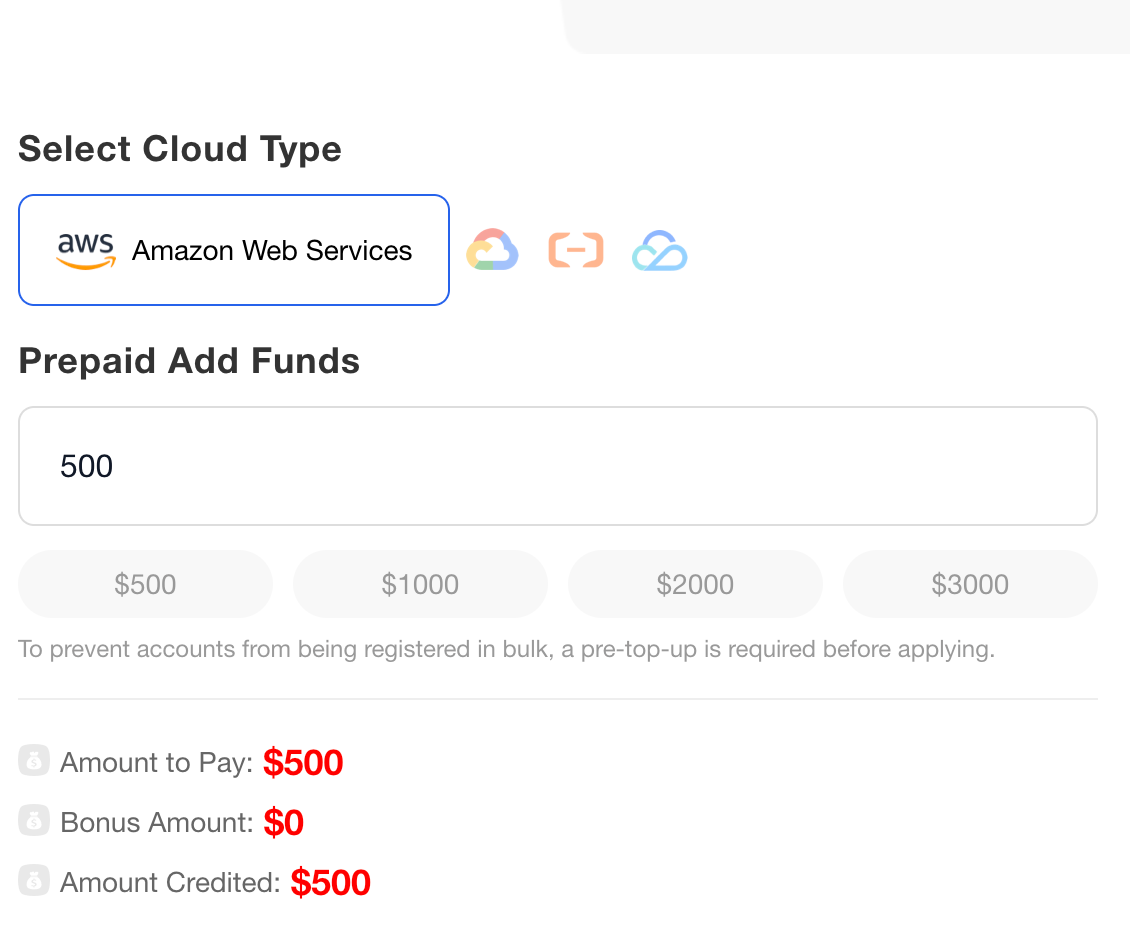
Go to fightyai.cloud, select your provider — AWS, Google Cloud, Alibaba Cloud, or Tencent Cloud.
Enter the amount you want to load. The minimum is $500 for AWS/GCP and $50 for Alibaba/Tencent.
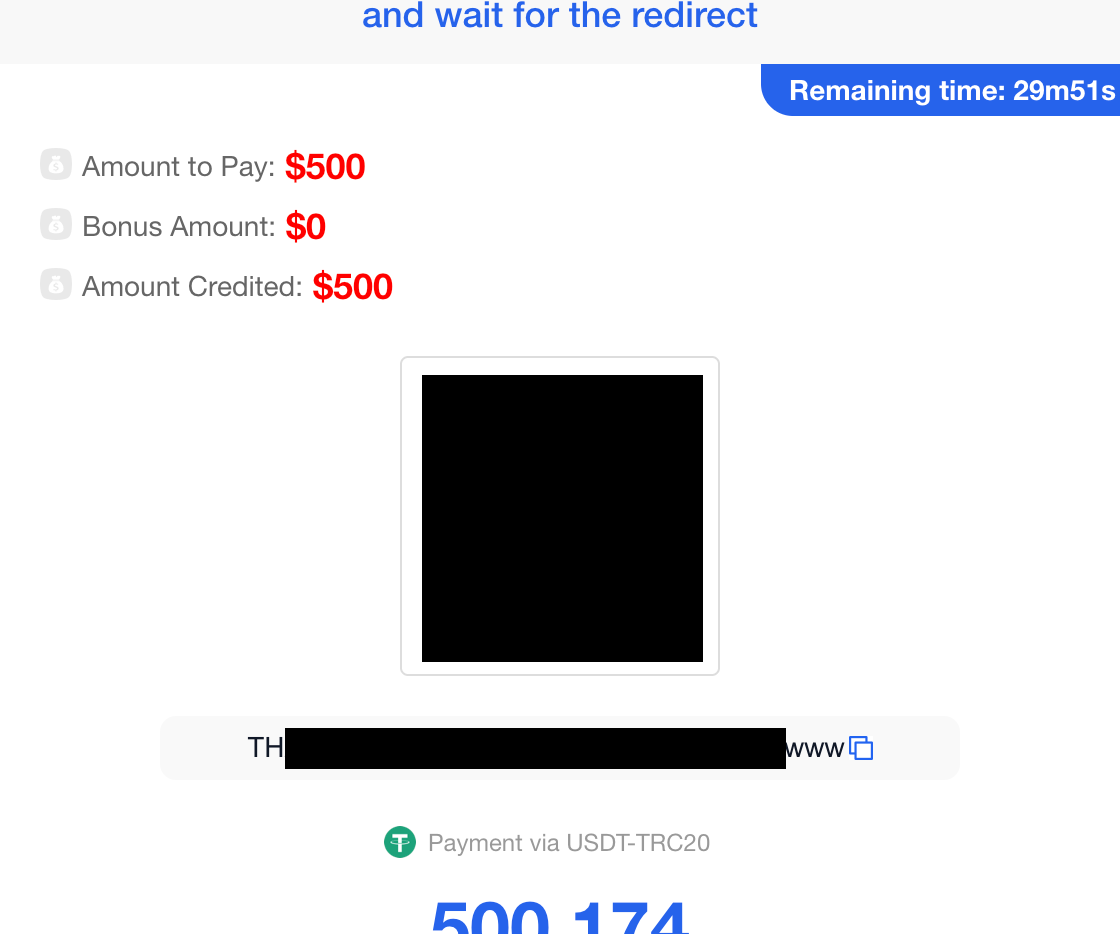
The system generates a unique TRC20 wallet address and QR code. Send the exact amount shown — it may include a small decimal (e.g. $500.039).
Payment confirms on-chain, usually within 1-2 minutes.
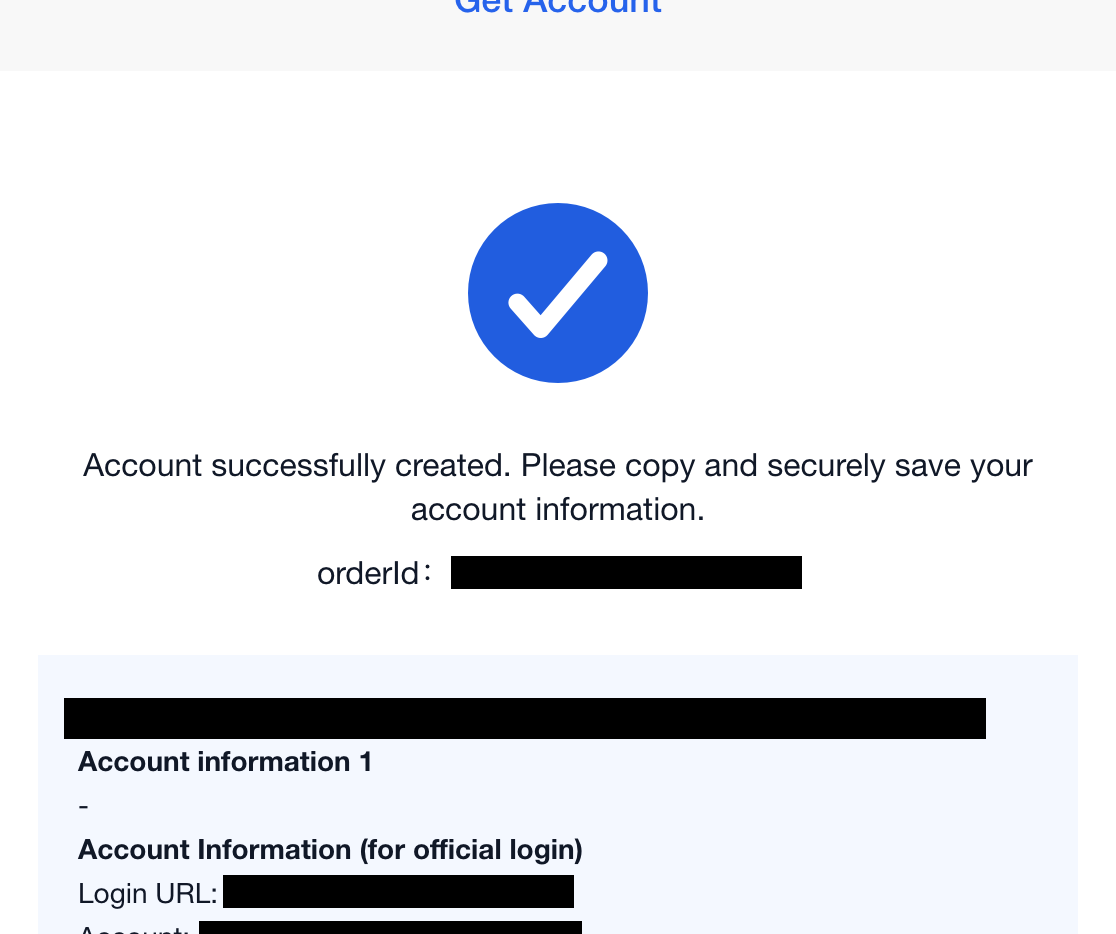
Once payment confirms, your account is created automatically. You receive your console URL, login email, and password.
Typical delivery: 2-5 minutes after payment. Save your credentials somewhere safe.
After You Get Your Account
Go to your cloud provider's console (e.g. aws.amazon.com/console).
Sign in as Root User — enter the email we provided (not an Account ID). Use the password from your credentials.
Full native console. Launch instances, create buckets, deploy clusters — everything works.
Log in to fightyai.cloud — your remaining credit and account status are visible on your dashboard.
This is separate from the cloud provider's billing page. Your Fighty AI balance is the prepaid credit you loaded.
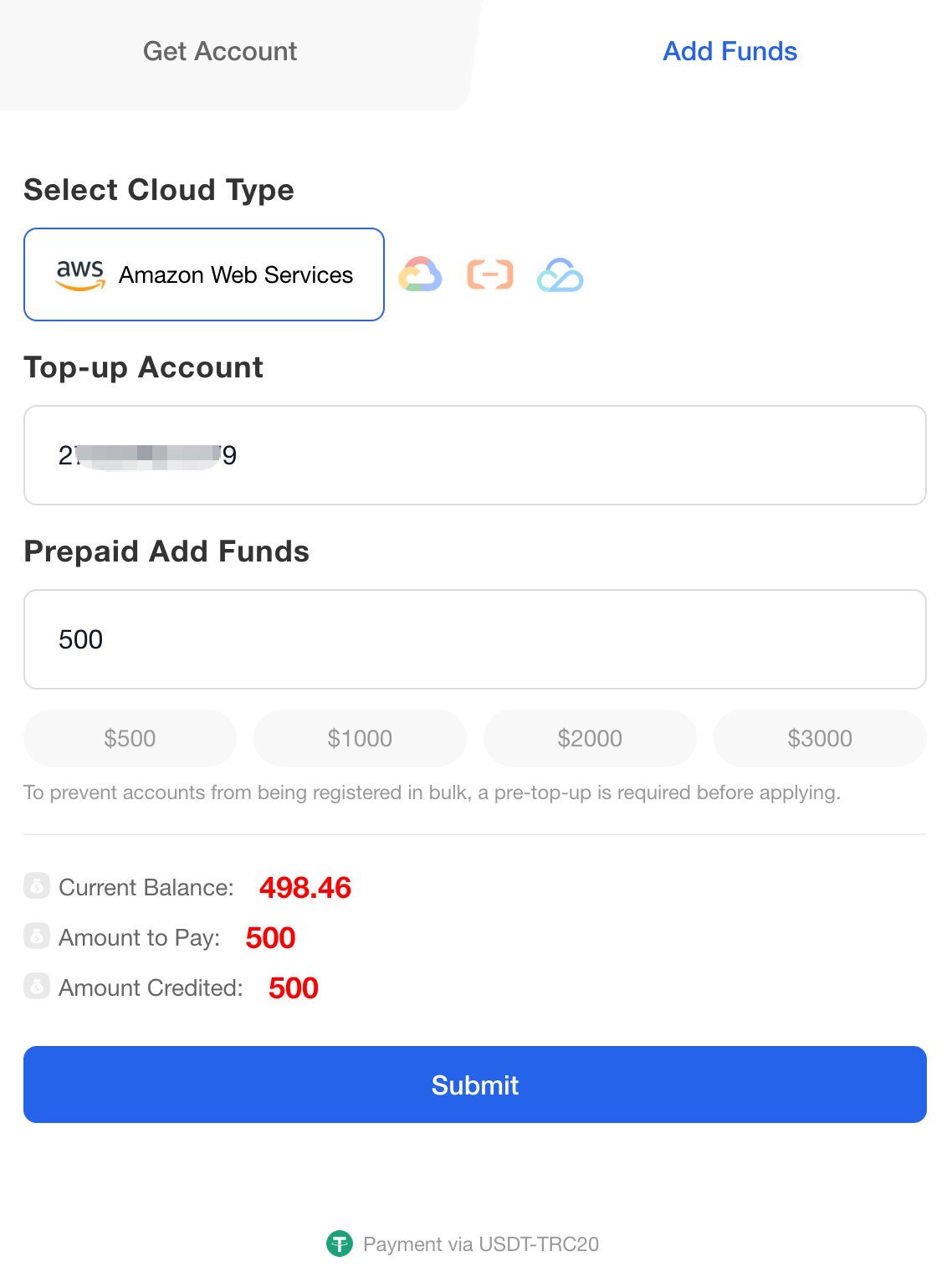
Go back to fightyai.cloud, select your existing account, and add more funds.
Same flow: choose amount, pay with USDT, credit added. Provider minimums still apply.
FAQ
Pick your cloud, pay with USDT, get your account. No credit card, no bank approval, no waiting.